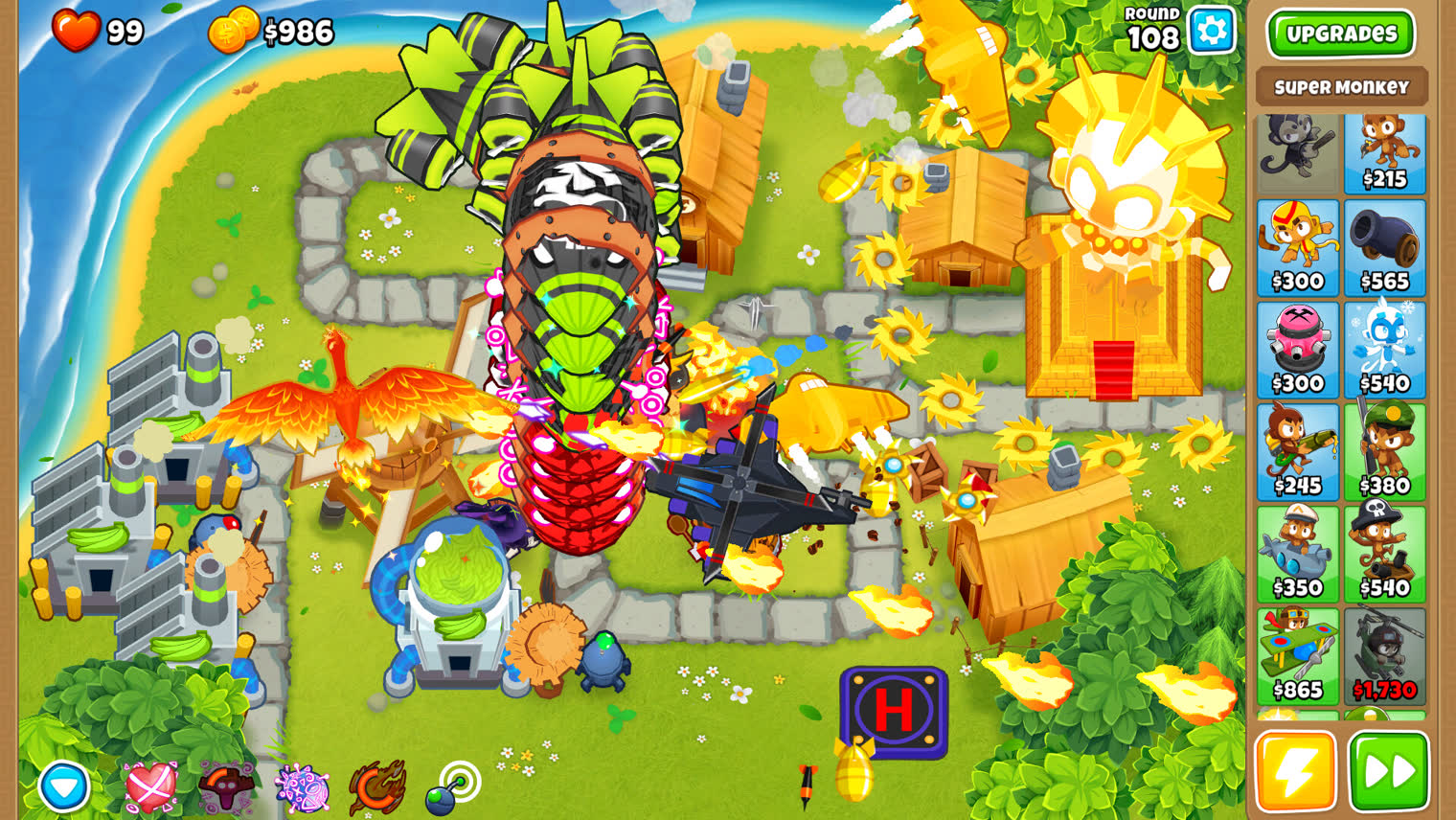



Find any clip in seconds.
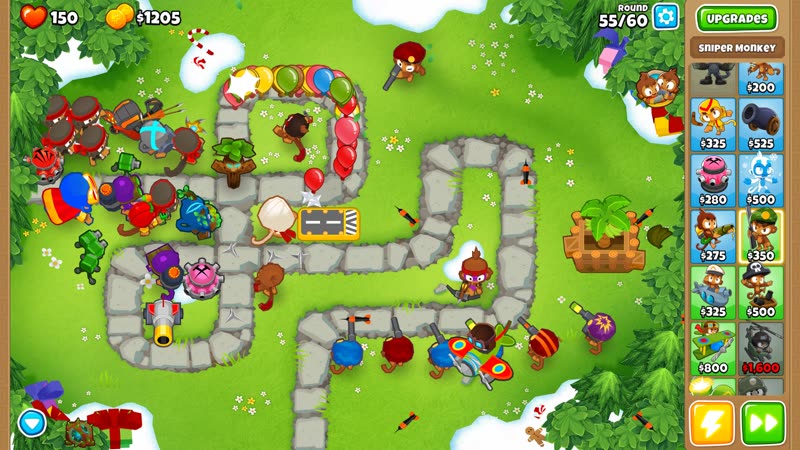
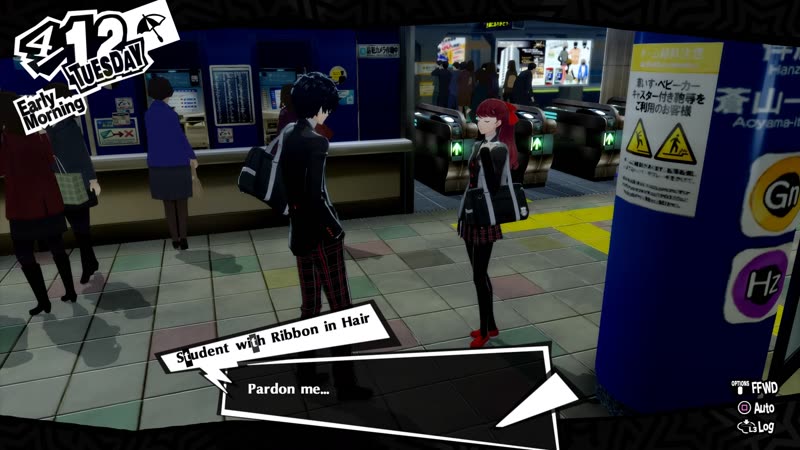
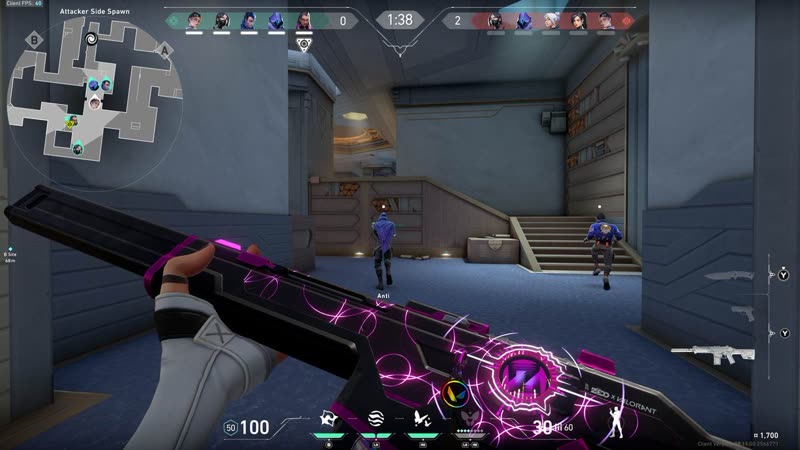
Start typing a game or a clip name and Ducky pulls up every match as you type.
 Ducky ClipsBeta
Ducky runs in the background while you play. Press one key to save the last few moments as a clip.
Windows 10 & 11 · 64-bit · Free forever
Playing something you'd rather keep to yourself? Ducky doesn't care what it is. Your clips stay on your PC. The only thing Ducky reports is an anonymous count of users and clips saved.
Start typing a game or a clip name and Ducky pulls up every match as you type.
Ducky keeps a replay running in the background, so you never have to remember to hit record.
Press Ctrl + Alt + F9 after the play happens and it's saved. No alt-tabbing, no menus mid-match.
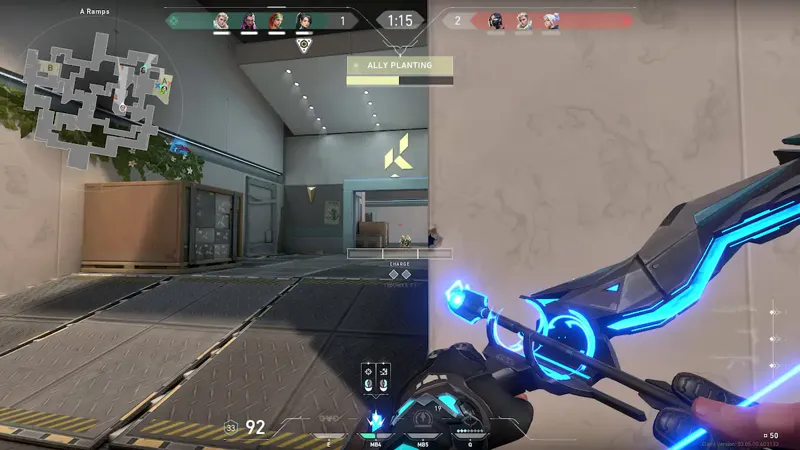
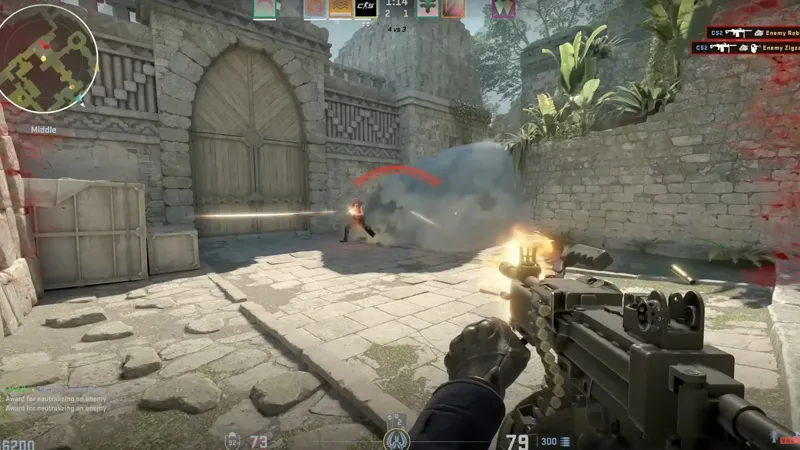
Ducky knows what you're playing and files every clip under that game. No folders, no renaming, no digging.
Ducky is free game clipping software for Windows. It keeps a replay running in the background while you play, so when something worth saving happens you press Ctrl + Alt + F9 and the last few moments are saved as a clip.
No. Ducky is always rolling, like an instant replay. You clip the play after it happens, so you never have to remember to hit record.
Your clips stay on your PC. Ducky files each one under the game you were playing, and you can search your library by game or clip name.
A 64-bit PC running Windows 10 or Windows 11.
Ducky is safe. Windows warns about apps it doesn't recognise, and Ducky's installer isn't code-signed because signing costs money I'd rather not spend on a free app. Click "More info", then "Run anyway" to install.